UX Bootcamp Project
Urban gardening app design with gamification and community features
ROLE
UX/UI Designer
YEAR
2024

Project Background
weGrow – Growing Communities, Greening Cities
weGrow is a conceptual UX/UI design project developed as the final team project of my UX/UI design bootcamp in 2024. This project was a design exploration and has not been developed into a functional app. However, it showcases our ability to create human-centered, engaging, and visually compelling digital experiences that address real-world sustainability challenges.
Challenge:
design a digital product that promotes sustainable development. Our team followed the Design Thinking process—from user research to prototyping—and managed the project using Scrum tools to ensure an iterative and agile workflow.
Solution:
a high-fidelity prototype of weGrow, an urban gardening app that helps city dwellers connect with local community gardens, organize gardening tasks, and learn about plants in a fun and accessible way. By integrating gamification elements and fostering a strong community focus, weGrow encourages users to grow their own food, share knowledge, and contribute to a greener environment.
Timeline & Scope
From initial research and concept development to final high-fidelity designs in just four weeks, working collaboratively in a team of four bootcamp participants.
UI and Design System
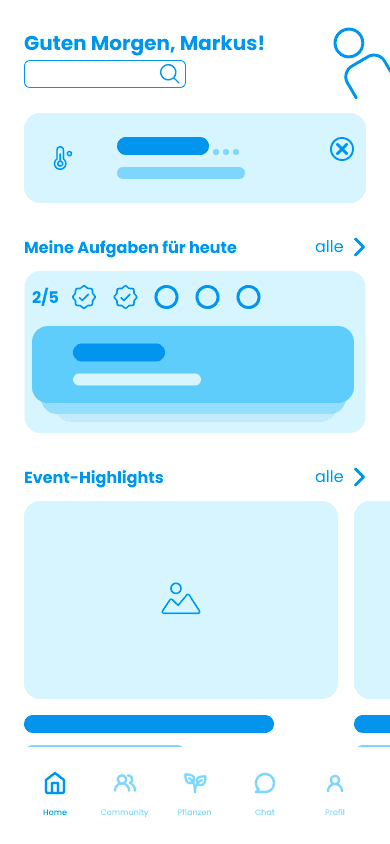
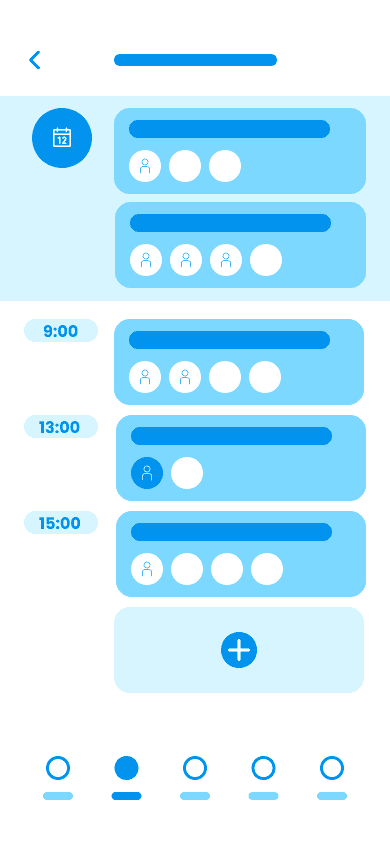
Although the UI design phase followed our UX research process, let's have a look at the visual experience of the app first.
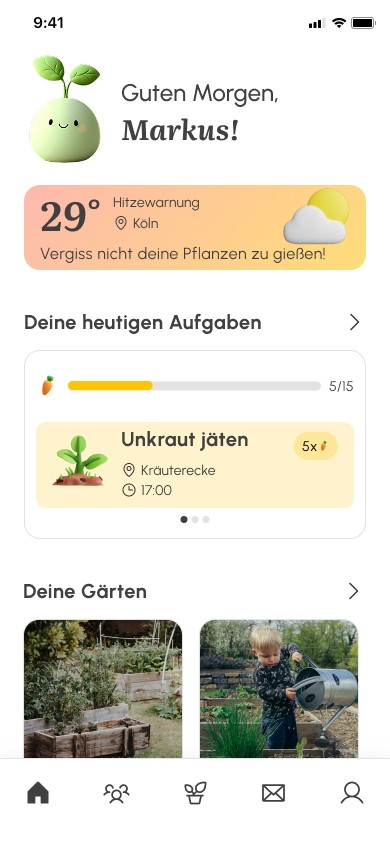
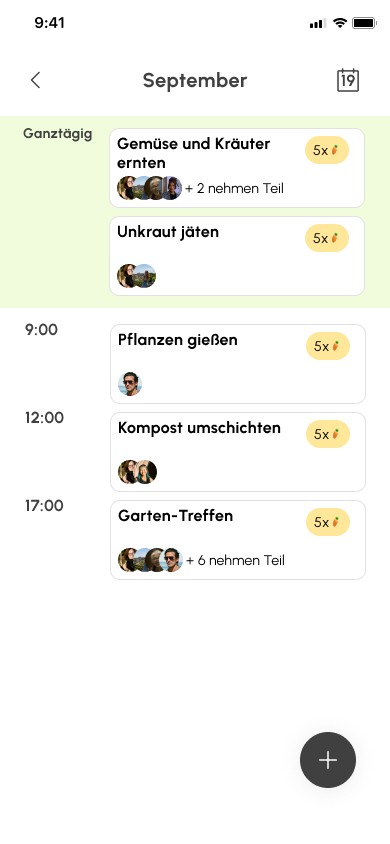
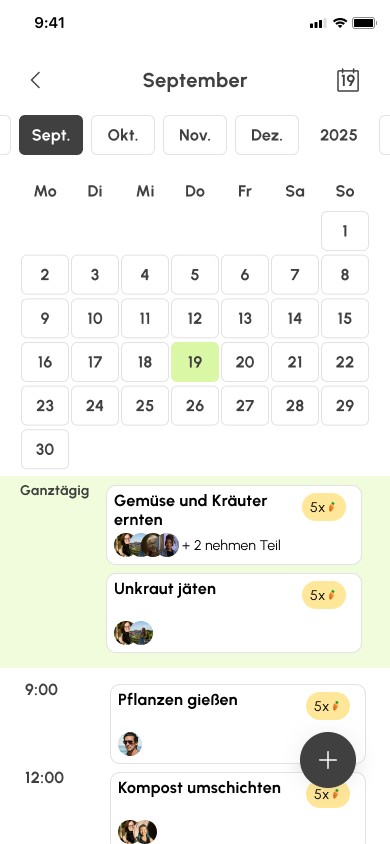
After gathering insights from usability tests, we moved into UI design and built high-fidelity prototypes. Our goal was to create a clear visual language that felt both playful and clean. We used bright greens and yellows to reflect the app’s focus on nature, community, and growth.
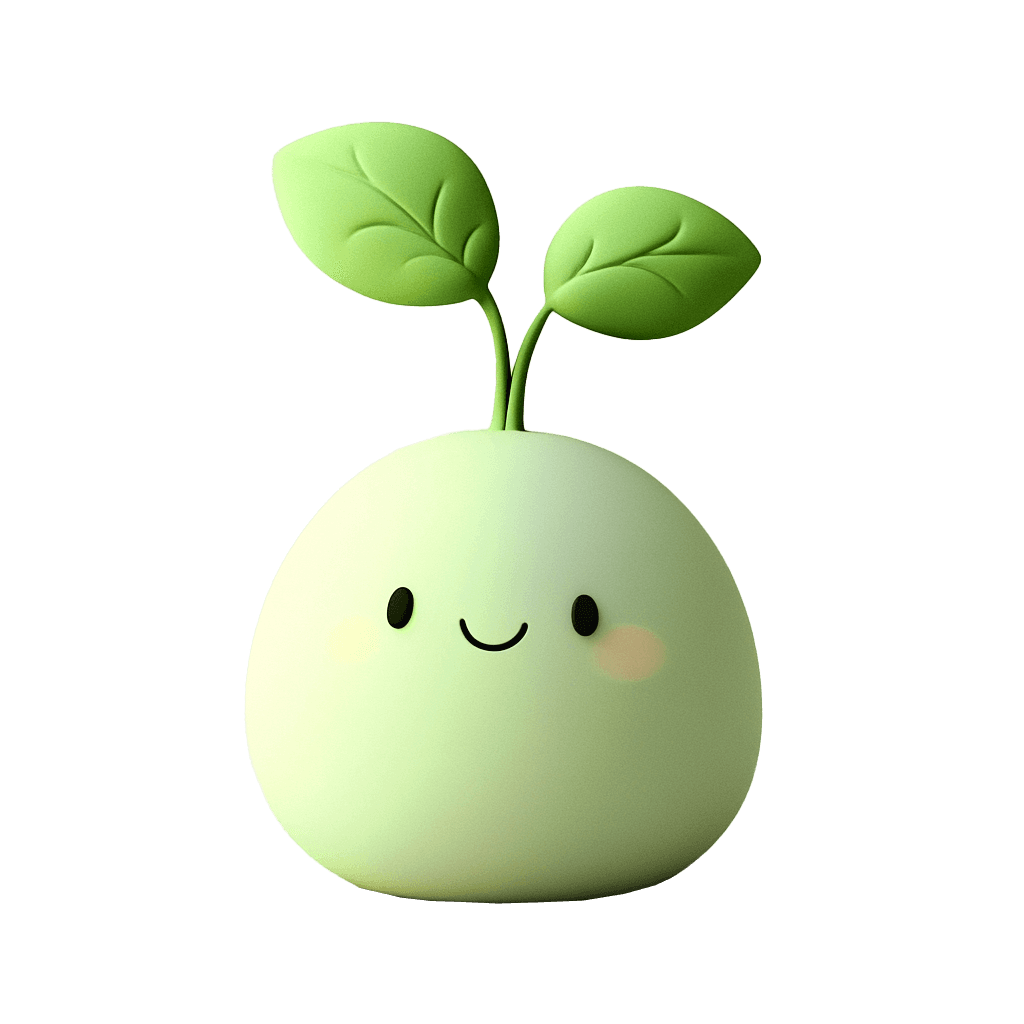
Clay-style 3D illustrations—especially our cheerful sprout mascot—added warmth and personality to the interface. With a strong focus on accessibility and emotional connection, we refined every element: layout, typography, color palette, iconography, and interaction patterns. The result is a joyful, modern interface that supports intuitive use and fosters community engagement. We maintained WCAG-compliant contrast ratios and clear font sizing. Touch targets and navigation were tested for clarity and ease of use.
Typography
Aa
Body texts and UI elements
modern legible sans-serif
Aa
Display and Headings
serif with organic curves
for warmth and editorial character
Color Palette
To reflect the warmth, friendliness, and nature-inspired character of weGrow, we developed a color palette that feels light, fresh, and approachable. Each color plays a role in visual hierarchy and emotional tone, supporting an intuitive and enjoyable user experience.
Primary Colors
Fresh Mint
primary CTA, action elements
Soft Green
highlight backgrounds
Accent Colors
Carrot
accents and illustrations
Soft Sunlight
background highlight
Warm Glow
highlight backgrounds
Highlight Color
Bright Orange
feedback and interactive elements
Gradients
Peach to Honey
warning banners
Lime to Mint
banners
Base & Text
Charcoal
text
Pure White
clean base background
Ash Grey
muted UI, secondary text
Soft Line Frey
strokes, dividers and borders
Iconography & Graphics
Our icon system is minimal and rounded to match the soft UI. Repeating AI-generated 3D clay-style illustrations, including our custom sprout mascot, add character and guide users playfully through the app. These visuals help reinforce actions and make the interface more welcoming.


Components
We created a modular UI kit in Figma using auto-layout and variants. This includes:
Buttons in various states
Cards for events, tasks, gardens
Tags, chips, dropdowns
Navigation bar and tabs
Calendar modules with task indicators
All components were designed for scalability and ease of use.
29°
Hitzewarnung
Köln
Vergiss nicht deine Pflanzen zu gießen!

Kräuterecke
Do, 19.Sept.2024
17:00
Permakultur Workshop




+ 7 nehmen Teil
5/15
Erledige nur noch 2 Aufgaben um das nächste Abzeichen zu erhalten!
Unkraut jäten
+ 3 nehmen teil
5x
UX & Design Thinking Process
This category details the step-by-step approach taken during the project, including brainstorming and all five phases of design thinking.